Add chat to your Canvas LMS Website and enhance the community experience with AtomChat

With AtomChat you can now add chat to your Canvas LMS website in minutes and get teachers and students to engage and communicate in no time.

Start Earning

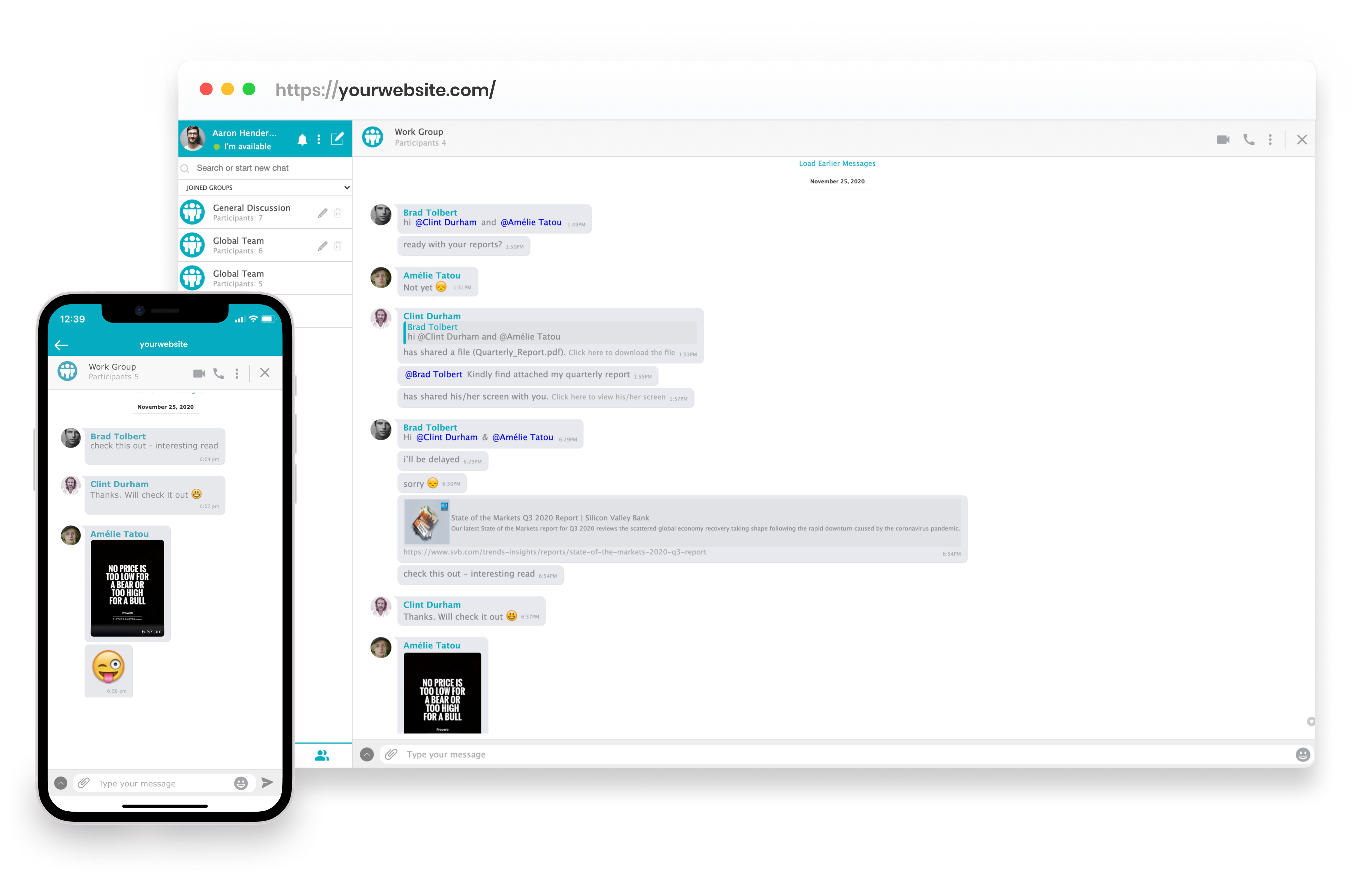
Private and Group Messaging

Enable your Canvas LMS community to chat and teach one-on-one or in groups quickly and easily by integrating AtomChat on your website. Teachers can take advantage of AtomChat’s powerful features such as real-time language translation, screen-sharing, file-sharing, whiteboard and much more to get students learning. You can customize the appearance of the group chat and also give role-based access to the users of your website to have control over what is being shared.

Communicating, Educating and Learning through Canvas LMS Group Chat just became easier with the features and functionality provided by AtomChat.

Voice and Video Calls

Empower teachers and students to get on a quick audio or video call on your Canvas LMS Platform. AtomChat establishes a reliable and secure connection between your users to ensure uninterrupted conversations. HD video calling and conferencing features are also present in AtomChat for a completely inspiring and educative Canvas LMS Group Chat experience.

Ensure an educational and stimulating Canvas LMS Community where learning can bloom with AtomChat.

Make your Canvas LMS Community the educational hub

AtomChat’s powerful functions and seamless integration with your Canvas LMS website will transform it into the centre for learning. AtomChat imports your Canvas LMS Community users automatically and also imports their roles and friend relationships.

So you don’t have to worry about a thing, just install AtomChat or let our friendly team help you and see your Canvas LMS educator community grow, connect and collaborate with one another.

Install AtomChat in 3 Friendly Steps

STEP
1
Choose a Plan

Start your 14 days free trial with any of AtomChat’s plans to better understand its features.

STEP
2
Activate AtomChat

Copy the code snippet from your AtomChat Admin Panel and upload it in your Canvas LMS file system

STEP
3
You are Done

Choose your theme, language, sounds, and much more to suit your Canvas LMS chat.

Integration Assistance

Add chat to your website quickly with one of our 30+ integrations then spend as much time as you like customizing the experience.

Start Earning
Trusted by 4000+ coaches, creators, and communities
learnexus
My Safe Dating
OZ studies
CoachTheWorld
Weyakyak
learnexus
My Safe Dating
OZ studies
CoachTheWorld
Weyakyak

Trusted by Industry Leaders

"Among many other unique needs, we needed a chat integration that offered real time messaging, audio calls, video calls and a white board option similar to competitors on the market.Searching the market for the right solution was difficult and a bit scary. Rarely you will find a product that is both compelling and supported by an incredible team, while there may be products like AtomChat on the market, from our personal experience, NONE of these solutions comes close in terms of customer service and quality. Everything we need, from messaging to collaborative options is offered by AtomChat. We have not looked back since choosing AtomChat and are looking forward to a long and fruitful future with them!"

Kameron James Moshier
Co-Founder & Co-CEO at Philtalk

"I've used AtomChat for nearly 5 months, and through the integration process with my app I've not only been helped quickly by support by a number of times, but it was also quite seamless. They have integration guides for a variety of software. The docked and embedded views for the chat are fast, easy to setup, and still very modular. We're using AtomChat to create a communication network for a marketplace of funds and investors, and using their instant messaging and video/audio calls."

Alex Johnson
Chief Technical Officer at Velvet