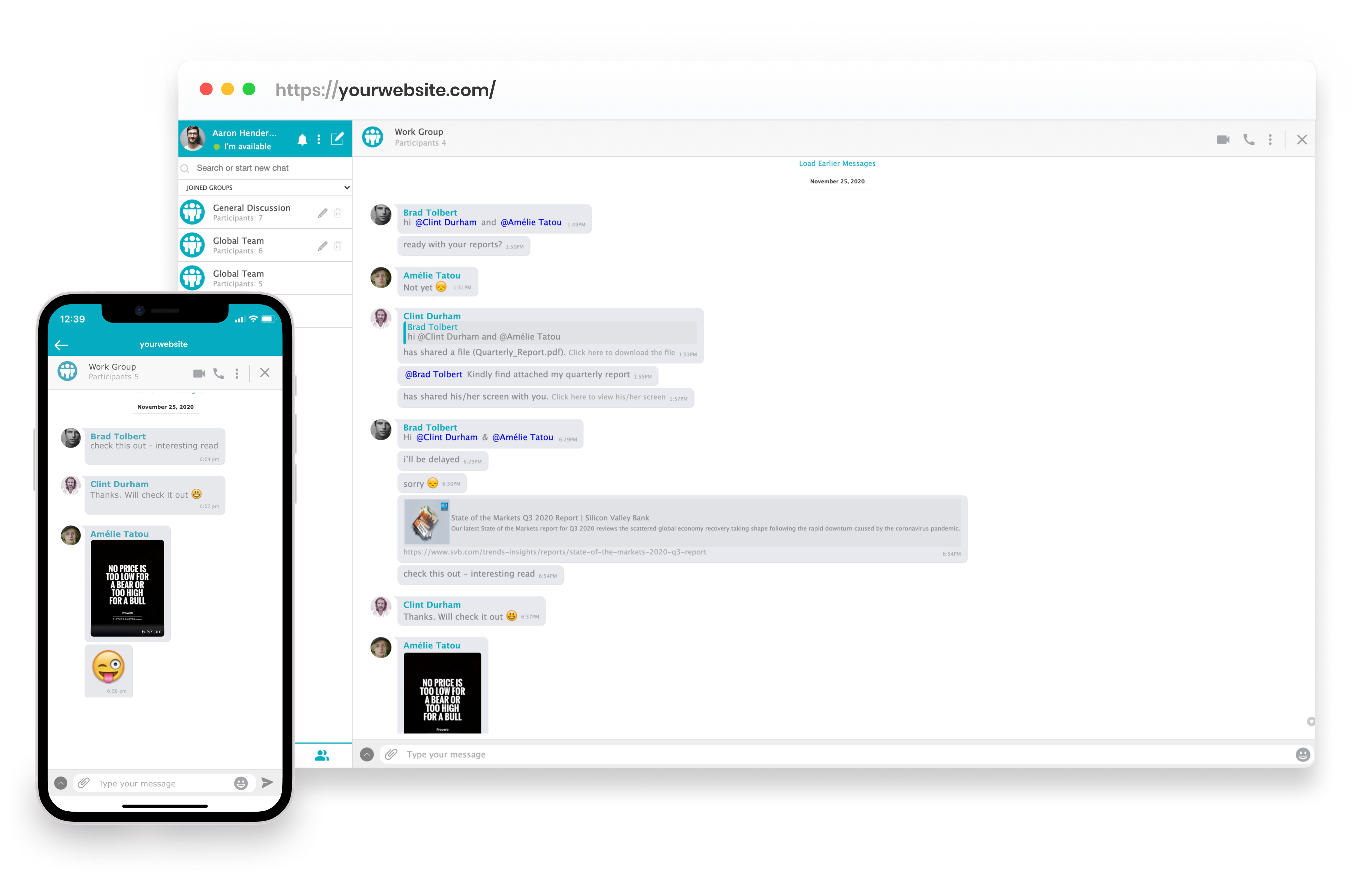
Add chat to your Invision Power Board Website and enhance the community experience with AtomChat

Add real-time chat, voice and video to your Invision Community board. Live conversation sits beside your existing forums without disturbing threads, permissions or history.

Start Earning

Private and Group Messaging

Invision handles structured discussion well. What it does not do is give members somewhere to talk in real time, so the fast-moving part of your community drifts to a third-party server you do not control.

Live rooms - public, private, password-protected or invite-only - sit alongside your board. Your forum structure and moderation model stay exactly as they are.

Voice and Video Calls

Voice channels and HD video let members run events, gaming sessions, study groups or office hours on your own domain.

Screen sharing and broadcasting are built in, so you are not adding a separate streaming subscription on top of your board licence.

Make your Invision Power Board Site the envy of every Online Community

AtomChat’s powerful functions and seamless integration with your Invision Power Board website will transform it into a social paradise. AtomChat imports your Invision Power Board users automatically and also imports their roles and friend relationships.

So you don’t have to worry about a thing, just install AtomChat or let our friendly team help you and see your Invision Power Board community grow, connect and collaborate with one another.

Built-In Monetization

Charge per minute, accept tips, sell subscriptions or gate premium rooms through your own Stripe account. AtomChat takes no commission; Stripe's standard fees apply. Pay-per-minute is on the Pro plan.

If you already sell paid memberships through Invision, payment and chat access become a single step instead of a manual group promotion.

Install AtomChat in 3 Friendly Steps

STEP
1
Choose a Plan

Start your 14 days free trial with any of AtomChat’s plans to better understand its features.

STEP
2
Activate AtomChat

Copy the code snippet from your AtomChat Admin Panel and paste it right before the closing tag of your Invision Community template. Your domain must be SSL secured.

STEP
3
You are Done

Set theme, language and sounds, then pick docked or embedded - never both on one page. Members sync automatically the next time they log in.

Integration Assistance

Add chat to your website quickly with one of our 30+ integrations then spend as much time as you like customizing the experience.

Start Earning
Trusted by 4000+ coaches, creators, and communities
learnexus
My Safe Dating
OZ studies
CoachTheWorld
Weyakyak
learnexus
My Safe Dating
OZ studies
CoachTheWorld
Weyakyak

Trusted by Industry Leaders

"Among many other unique needs, we needed a chat integration that offered real time messaging, audio calls, video calls and a white board option similar to competitors on the market.Searching the market for the right solution was difficult and a bit scary. Rarely you will find a product that is both compelling and supported by an incredible team, while there may be products like AtomChat on the market, from our personal experience, NONE of these solutions comes close in terms of customer service and quality. Everything we need, from messaging to collaborative options is offered by AtomChat. We have not looked back since choosing AtomChat and are looking forward to a long and fruitful future with them!"

Kameron James Moshier
Co-Founder & Co-CEO at Philtalk

"I've used AtomChat for nearly 5 months, and through the integration process with my app I've not only been helped quickly by support by a number of times, but it was also quite seamless. They have integration guides for a variety of software. The docked and embedded views for the chat are fast, easy to setup, and still very modular. We're using AtomChat to create a communication network for a marketplace of funds and investors, and using their instant messaging and video/audio calls."

Alex Johnson
Chief Technical Officer at Velvet