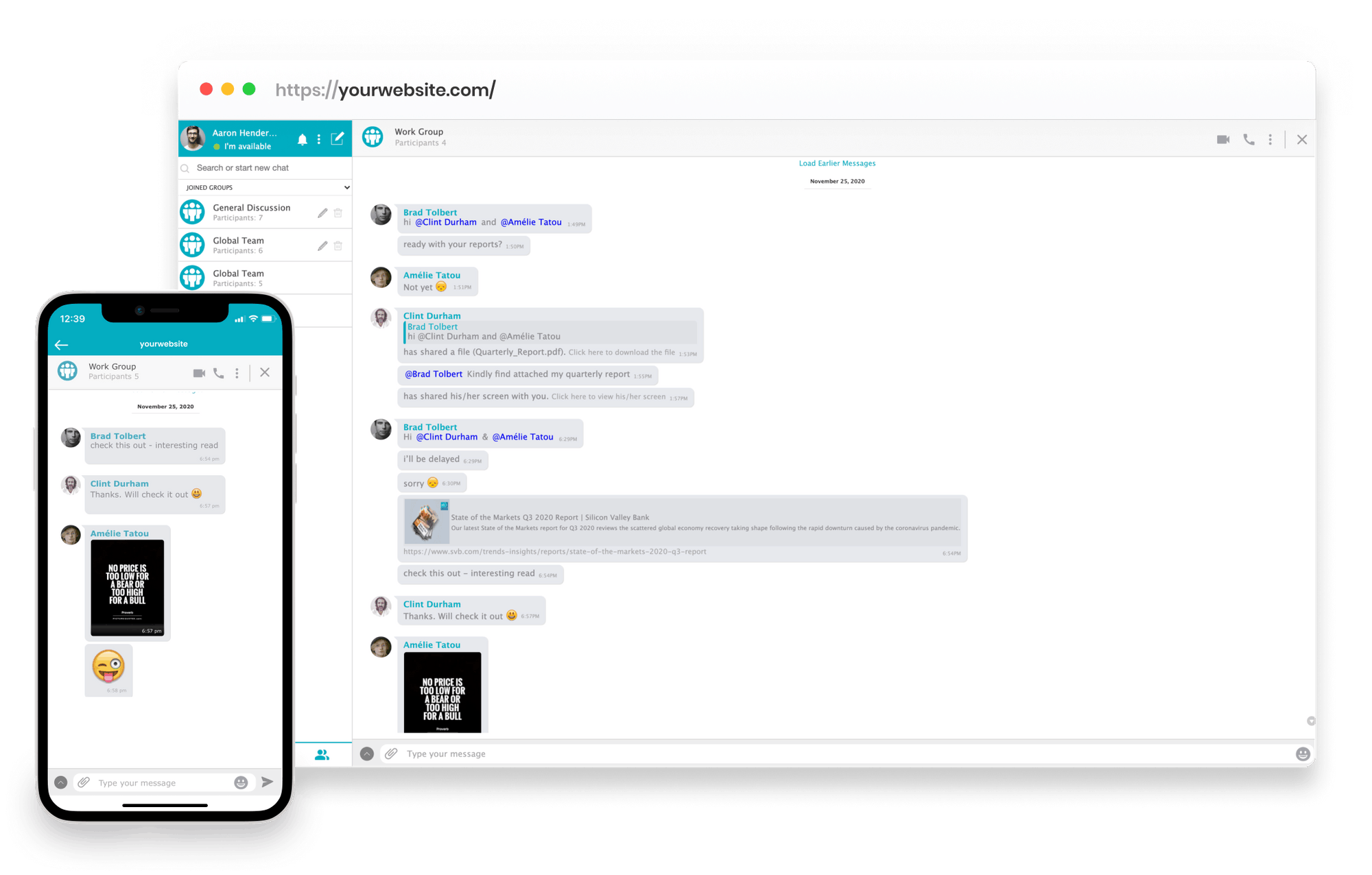
Add chat to your Moodle Website and enhance the community experience with AtomChat

Add real-time chat, voice and video to Moodle. Cohort rooms, live office hours and one-to-one tutoring inside your existing Moodle site, using the accounts learners already have.

Start Earning

Private and Group Messaging

Moodle ships with a basic chat activity that most institutions turn off. It is per-activity, has no presence, and nothing persists in a way learners will return to. The practical result is that real conversation moves to WhatsApp or Discord, outside any safeguarding or records policy.

AtomChat adds persistent rooms across courses with roles for learners, tutors and administrators, so the conversation stays on the institution's own domain and under its own policies.

Voice and Video Calls

HD voice and video run inside Moodle. For distance and part-time programmes, that removes the scheduling friction of a separate conferencing tool for every tutorial.

Screen sharing, voice channels and broadcasting are included, which covers tutorials, revision sessions and cohort-wide announcements without another subscription.

Make your Moodle Website a One Stop Educational Hub

AtomChat is developed to work with any Moodle powered website. This Moodle Chat integration is the solution to all your chat related concerns.

You just need to install the video chat integration or let our friendly team help you and see your community grow, connect and learn with one another.

Built-In Monetization

Gate rooms by role so access follows enrolment. Paid short courses, CPD and continuing education can restrict rooms to the learners entitled to them without manual administration.

Where a programme charges directly, in-chat payments and pay-per-minute sit on the Pro plan via your own Stripe account with no AtomChat commission; Stripe's standard processing fees still apply.

Install AtomChat in 3 Friendly Steps

STEP
1
Choose a Plan

Start your 14 days free trial with any of AtomChat’s plans to better understand its features.

STEP
2
Activate AtomChat

Copy the code snippet from your AtomChat Admin Panel and paste it before the closing tag of your Moodle theme layout file. Your domain must be SSL secured.

STEP
3
You are Done

Set theme, language and sounds, then pick docked or embedded - never both on one page. Learners sync automatically the next time they log in.

Integration Assistance

Add chat to your website quickly with one of our 30+ integrations then spend as much time as you like customizing the experience.

Start Earning
Trusted by 4000+ coaches, creators, and communities
learnexus
My Safe Dating
OZ studies
CoachTheWorld
Weyakyak
learnexus
My Safe Dating
OZ studies
CoachTheWorld
Weyakyak

Trusted by Industry Leaders

"Among many other unique needs, we needed a chat integration that offered real time messaging, audio calls, video calls and a white board option similar to competitors on the market.Searching the market for the right solution was difficult and a bit scary. Rarely you will find a product that is both compelling and supported by an incredible team, while there may be products like AtomChat on the market, from our personal experience, NONE of these solutions comes close in terms of customer service and quality. Everything we need, from messaging to collaborative options is offered by AtomChat. We have not looked back since choosing AtomChat and are looking forward to a long and fruitful future with them!"

Kameron James Moshier
Co-Founder & Co-CEO at Philtalk

"I've used AtomChat for nearly 5 months, and through the integration process with my app I've not only been helped quickly by support by a number of times, but it was also quite seamless. They have integration guides for a variety of software. The docked and embedded views for the chat are fast, easy to setup, and still very modular. We're using AtomChat to create a communication network for a marketplace of funds and investors, and using their instant messaging and video/audio calls."

Alex Johnson
Chief Technical Officer at Velvet